

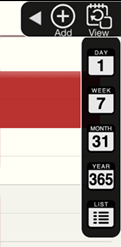
Show / Hide View mode switch buttons
|
Toggle View mode buttons by View button on Tool bar. |
|
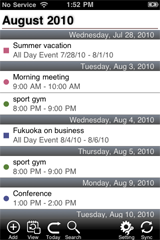
View appointments by list style |
|
|
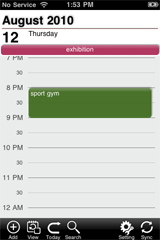
View daily appointments |
|
|
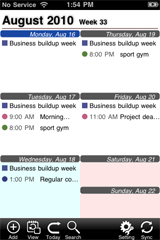
View weekly appointments |
|
View monthly appointments |
|
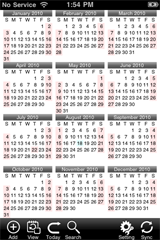
View Calendar Touch the month of Calendar then the month will be appear with Monthly View |
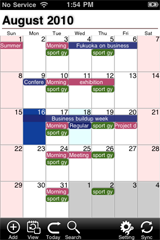
Move view position
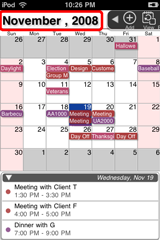 |
Move view position Touch the title area to open the Move dialog then you can select the date you want to move to. |
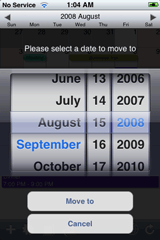 |
List View
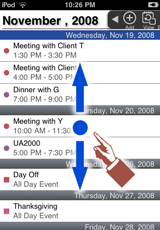 |
Up or Down scroll
Flick vertically |
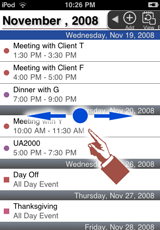 |
Move to Previous Month or Next Month
Flick horizontality |
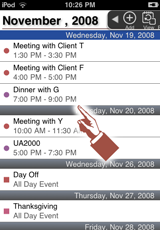 |
Touch Appointment
Open the appointment or Operation Menu for Application will appear
|
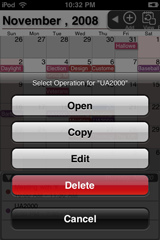 |
Select operation from the menu
|
Daily View
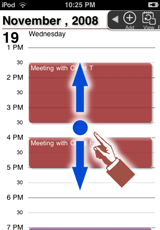 |
Up Down scroll
Flick vertically |
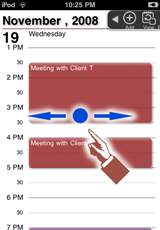 |
Move to Previous Day or Next Day
Flick horizontality |
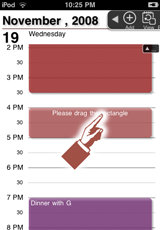 |
Touch & hold an appointment Move or modify the length of the appointment with Drag & Drop operation |
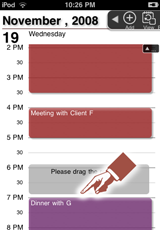 |
Touch & hold an open space Create an appointment at the postion, which can be adjusted with Drag & Drop operation |
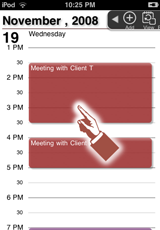 |
Touch Appointment Open the appointment or Operation Menu for Application will appear |
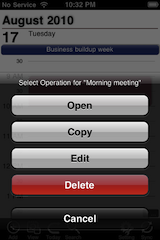 |
Select operation from the menu
|
Weekly View
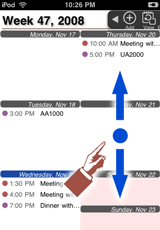 |
Up Down scroll
Flick vertically |
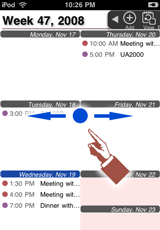 |
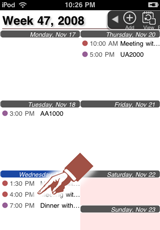
Move to Previous Week or Next Week
Flick horizontality |
 |
Touch Appointment
Open the appointment or Operation Menu for Application will appear |
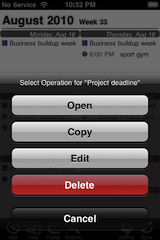 |
Select operation from the menu
|
Monthly View
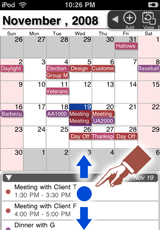 |
Up or Down scroll
Flick vertically |
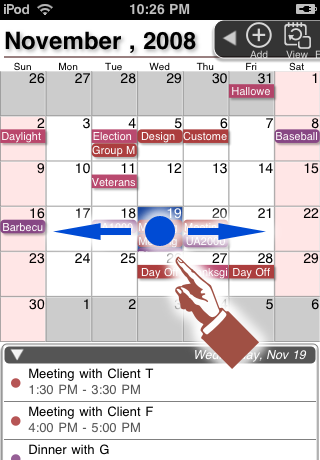 |
Move to Previous Month or Next Month
Flick horizontality |
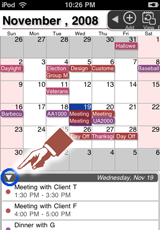 |
Switch to Full Month view mode |
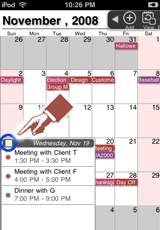 |
Switch to normal Month view mode |
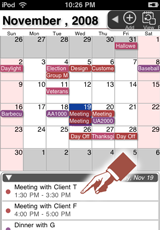 |
Touch Appointment
Open the appointment or Operation Menu for Application will appear |
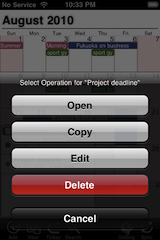 |
Select operation from the menu
|
Yearly View
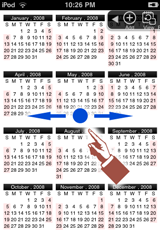 |
Move to Previous Year or Next Year Flick horizontality |
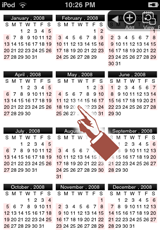 |
Touch Month The month will be appear with Monthly View |